
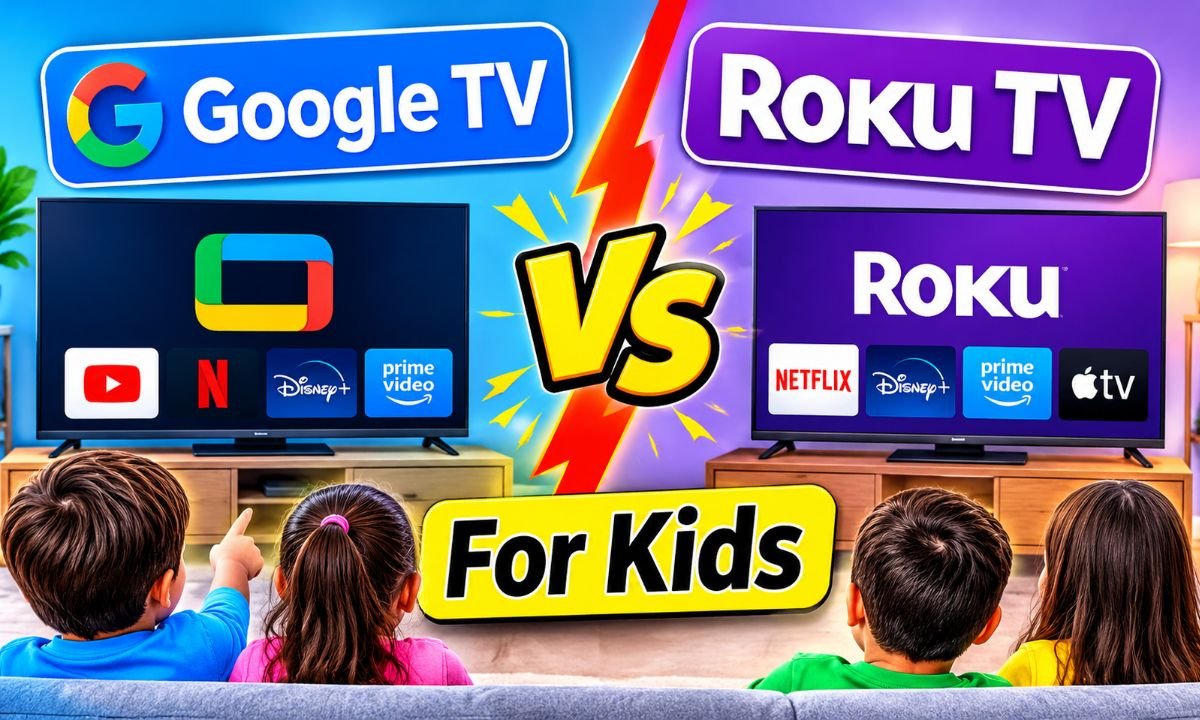
Google TV Vs Roku TV For Kids: Which Is Better?
Google TV offers stronger built-in kids profiles and screen time tools, while Roku TV delivers a simpler family-friendly viewing experience.
Think about a busy American household where parents juggle school mornings, homework, dinner, and evening family time. The kids want cartoons after school, but you want control over what they watch and how long they stay in front of the screen. Choosing the right smart TV can make that daily routine much easier. When comparing Google TV vs Roku TV for kids, I would look beyond screen size and picture quality. Parental controls, app access, easy menus, and viewing limits matter just as much. I have two Roku Select Series TVs to consider here, a 40-inch model and a 32-inch model. Both offer a simple way to bring streaming into a child’s room or family space.
🏆 Top 3 Products

Roku 40-Inch Select Series Smart TV
This is the stronger choice for a family room because its larger screen gives kids more space to enjoy cartoons, movies, and family shows.
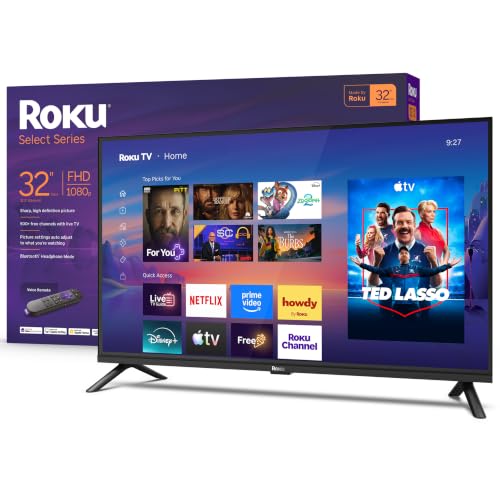
Roku 32-Inch Select Series Smart TV
This smaller model makes sense for a child’s bedroom, a compact playroom, or a home where saving space matters.
Roku 40-Inch Select Series TV Review
The Roku 40-Inch Select Series Smart TV is a practical choice for families who want a larger screen without making their living room feel crowded. It offers 1080p Full HD resolution and the Roku TV platform. Kids can use it to watch cartoons, animated movies, educational shows, and other streaming content. Parents can also enjoy local news, sports, and movies when the children are not using the screen. The larger display gives this model an advantage in shared family spaces.
One feature I like about the Roku approach is its simple home screen. The menus are easy to follow, and the main streaming apps are easy to find. The included voice remote adds another way to search for content, while Wi-Fi supports online streaming. Bluetooth headphone mode is also useful when a child wants to watch a show without disturbing someone nearby. However, parents should understand that Roku’s standard parental controls do not block every program across every third-party streaming app. For stronger child protection, they should use Kid and Teen Mode where supported and set separate restrictions inside services such as Disney+ and Netflix.
✅ Pros
- ✔The 40-inch screen gives children a larger viewing area for cartoons and movies.
- ✔1080p Full HD resolution provides a clear picture for everyday family viewing.
- ✔The Roku TV interface is simple and easy for children to learn.
- ✔The voice remote makes searching for shows easier.
- ✔Wi-Fi supports access to compatible streaming services.
- ✔Bluetooth headphone mode can help reduce noise during quiet hours.
- ✔The screen size works well in many family rooms and larger bedrooms.
- ✔The Roku home screen keeps popular entertainment apps easy to reach.
- ✔Parents can use available Roku child-focused settings to limit access to approved apps.
- ✔The TV can serve both children and adults, so the family does not need a separate screen for every person.
⚠️ Cons
- ✖The 40-inch screen may feel too large for a very small bedroom.
- ✖Roku’s standard parental controls do not cover all third-party streaming apps.
- ✖It does not provide the same built-in daily screen time and bedtime tools as Google TV kids profiles.
- ✖Parents may need to configure restrictions separately in different streaming services.
- ✖A larger screen may encourage longer viewing sessions if parents do not set clear household rules.
- ✖The 1080p resolution is not 4K.
My Recommendation
I would choose the Roku 40-Inch Select Series for a family that wants one TV for children and adults. Its larger screen makes shared viewing more comfortable, and the Roku interface keeps everyday streaming simple. It is especially useful when children enjoy watching animated films, educational programs, and family shows with their parents. However, I would not buy it based on the assumption that Roku automatically filters every app. Parents should set up Kid and Teen Mode, protect the adult account with a PIN, and review the controls inside each streaming service. If automatic daily limits and bedtime schedules are your biggest priorities, Google TV has an advantage. If screen size and simple navigation matter more, this Roku model deserves a place on your shortlist.
| Best For | Why |
|---|---|
| Family living rooms | The 40-inch display gives the whole family a comfortable screen for shared movies and shows. |
| Older children | The simple Roku menu makes it easy to find approved streaming apps and familiar programs. |
| Shared entertainment | Parents and children can use the same TV for different types of entertainment. |
Roku 32-Inch Select Series TV Review
The Roku 32-Inch Select Series Smart TV is a compact option for families who do not need a large screen. It has a 1080p Full HD display and uses the Roku TV platform. I see this size working well in a child’s bedroom, a small playroom, or a guest room. Children can access compatible streaming services through the Roku home screen, while parents can use the same TV for their own entertainment. Its smaller screen can also make it easier to fit into rooms with limited wall or furniture space.
The main appeal is ease of use. Children can learn where their favorite apps are, and parents can manage the viewing setup without dealing with a complicated menu. The voice remote helps with searches, and Wi-Fi supports online streaming. Bluetooth headphone mode offers another useful feature for homes where one child watches TV while another person studies or rests. For the Google TV vs Roku TV for kids comparison, this model has the same important platform limitation as its larger sibling: parents must not assume that one Roku PIN blocks all content across all streaming services. I would set up approved app access and check each service’s child settings before letting a young child use the TV alone.
✅ Pros
- ✔The 32-inch size fits many small bedrooms and playrooms.
- ✔1080p Full HD resolution supports clear everyday viewing.
- ✔The Roku home screen is simple and easy to understand.
- ✔The included voice remote makes finding content more convenient.
- ✔Wi-Fi allows access to compatible streaming services.
- ✔Bluetooth headphone mode can support quieter viewing.
- ✔The smaller display is easier to fit into limited spaces.
- ✔Children can learn to navigate the main entertainment menu with little help.
- ✔Parents can choose compatible apps for use in Kid and Teen Mode.
- ✔The TV can also serve as a bedroom screen for adults or guests.
⚠️ Cons
- ✖The 32-inch screen may feel small for a large family room.
- ✖The display does not offer 4K resolution.
- ✖Roku’s basic parental controls do not control every third-party app.
- ✖Parents may need separate accounts or restrictions for different streaming services.
- ✖The compact screen may not be ideal for a large group watching together.
- ✖It lacks the built-in Google TV kids profile screen time and bedtime scheduling experience.
My Recommendation
I recommend the Roku 32-Inch Select Series for parents who want a compact TV for a child’s room. It provides the main benefits of the Roku platform without taking up as much space as a larger television. It is a sensible choice for cartoons, school-related videos, and short family movie sessions. I would also consider it for a shared guest room or a small apartment where a 40-inch TV might be too large. The most important step is to configure the parental controls before handing over the remote. Parents who need automatic daily viewing limits should compare it with a Google TV model. But if a simple interface and compact screen are the main goals, this Roku TV is worth considering.
| Best For | Why |
|---|---|
| Children’s bedrooms | Its compact screen fits many smaller rooms without taking over the available space. |
| Small apartments | The 32-inch display offers everyday streaming without requiring a large entertainment area. |
| Individual viewing | It works well when one child watches cartoons or educational programs at a time. |
Final Verdict: Which Should You Buy?
After comparing Google TV vs Roku TV for kids, I would choose Google TV for families who place the most value on built-in child profiles, daily screen time limits, and bedtime schedules. Roku is still a strong option for simple navigation and approved app access. Among the two supplied Roku models, the 40-inch Select Series is my overall screen-size choice for shared family viewing, while the 32-inch Select Series is better for smaller bedrooms and compact spaces. Neither Roku model should be treated as a complete parental control system across every streaming app.
The best smart TV for kids is one that fits your room, supports your favorite apps, and helps you maintain healthy viewing rules. Choose Google TV for stronger built-in time management or Roku TV for a simple family streaming experience.
FAQs Of Google TV Vs Roku TV For Kids
Q Is Google TV or Roku TV better for kids?
Q Does Roku TV have parental controls for children?
Q Can Google TV limit how long kids watch TV?
Q Is the Roku 32-inch or 40-inch TV better for a child’s bedroom?
Q Can children watch YouTube on Roku TV or Google TV?






One Comment